I Built 40 Free Calculators With Lovable. It Now Pays Me $5,000 a Month.
No database, no storage, no API keys, no launch. Just 40 boring calculators built on a $25 Lovable plan — and a revenue curve that broke $5,000 a month in six months.
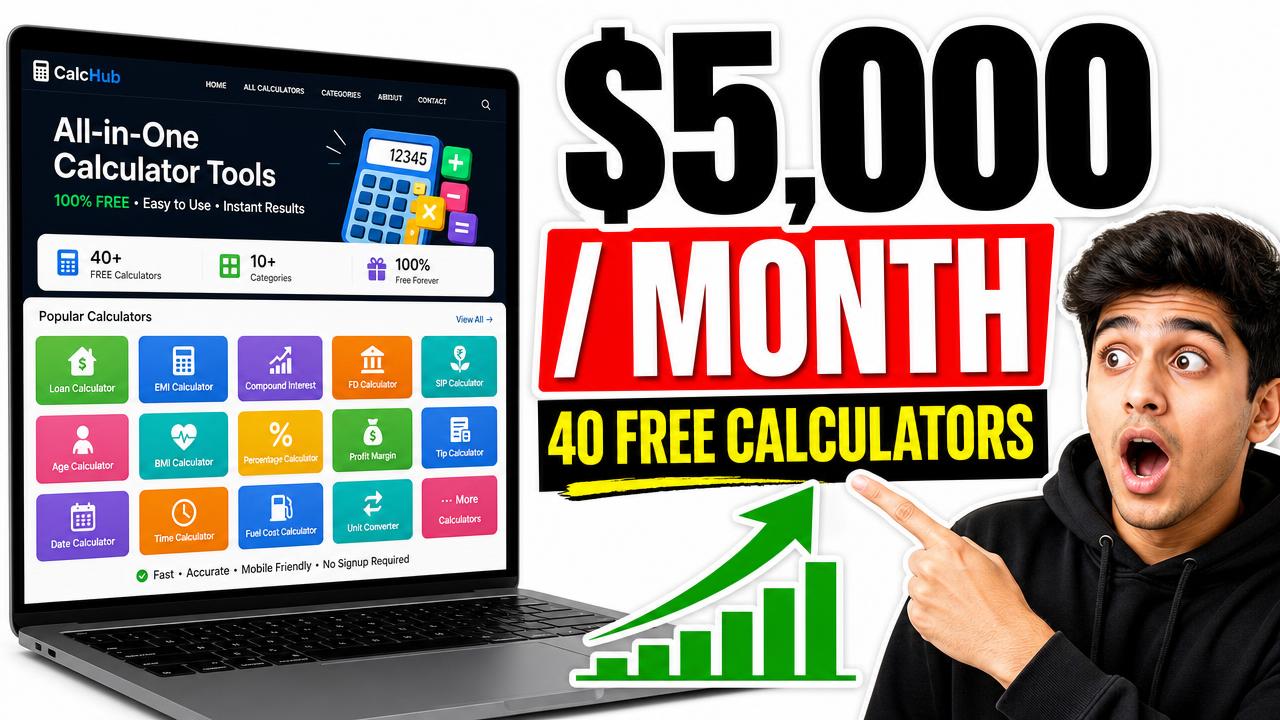
Six months ago I paid $25 for a Lovable plan because I wanted to stop paying a developer $1,400 to build things I could describe in a paragraph. I did not have a startup idea. I had a spreadsheet of boring searches Americans type into Google every single day: etsy fee calculator, solar panel payback, paypal fee calculator, how many tokens is this prompt.
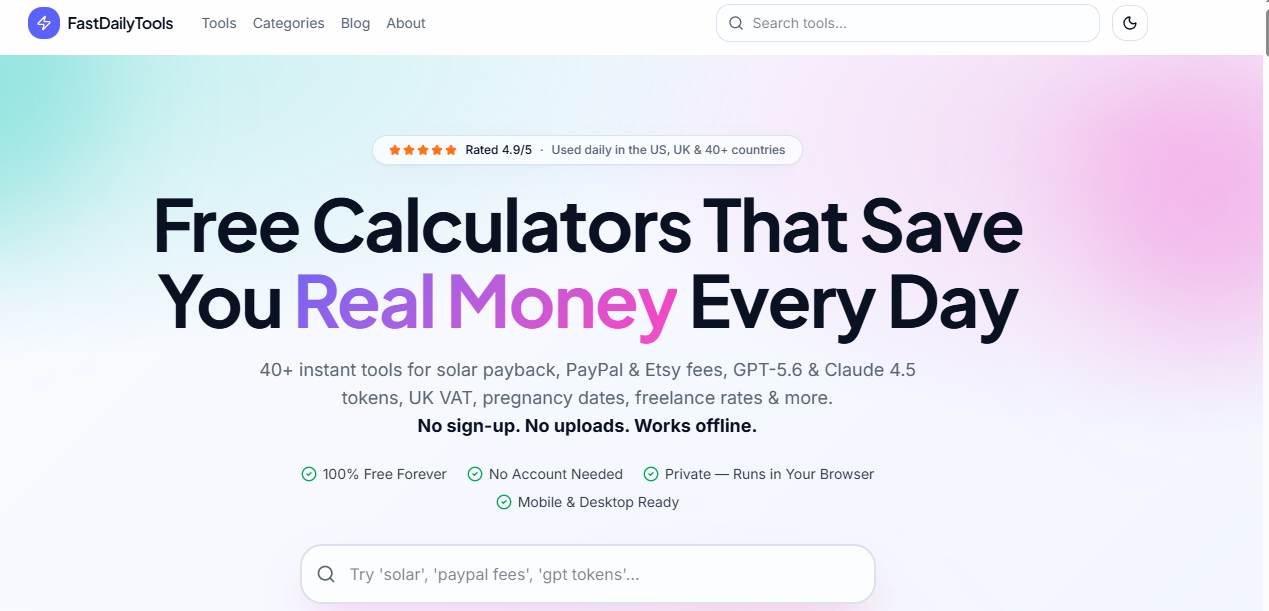
That spreadsheet became FastDailyTools — 40+ free calculators, no sign-up, no uploads, works offline. Last month it paid me just over $5,000. There is no database behind it. No storage bucket. No AI API key. No monthly server bill. It is, in the most literal sense, a folder of fast pages that do math in the visitor's browser.
If you want to follow along on the same tooling, this is the invite I used: Lovable (free credits on signup).
01Key Takeaways
- A calculator site is the cheapest profitable website type in 2026: no database, no storage, no API keys, no auth — so hosting costs are effectively zero.
- The entire 40+ tool build fit inside the $25 Lovable plan (100 credits) because pure client-side math needs no backend and prompts can be batched.
- Revenue is ad + affiliate based. US/UK utility traffic earns $14–$28 RPM, which is why 200k sessions turned into ~$5,000/month.
- The moat is not code, it is one page per long-tail keyword plus real speed. 40 tools = 40 ranking assets, each answering one exact query.
- Month 1 made almost nothing. The curve broke upward in month 4, which is the point most people quit.
02Can you really make money with a calculator website in 2026?
Yes, and it is one of the few models that got easier. A calculator answers a question AI overviews cannot fully answer, because the user needs their own numbers plugged in. Google still has to send that person to a tool. Utility traffic converts to ad revenue at high RPMs in the US and UK, and it repeats every tax season, every Etsy Q4, every solar quote.
The unglamorous part is why it works: nobody wants to build these. There is no "vision" in a PayPal fee calculator. But 74,000 Americans a month want one, and they want it in two seconds without an account.
The kind of keyword that actually pays
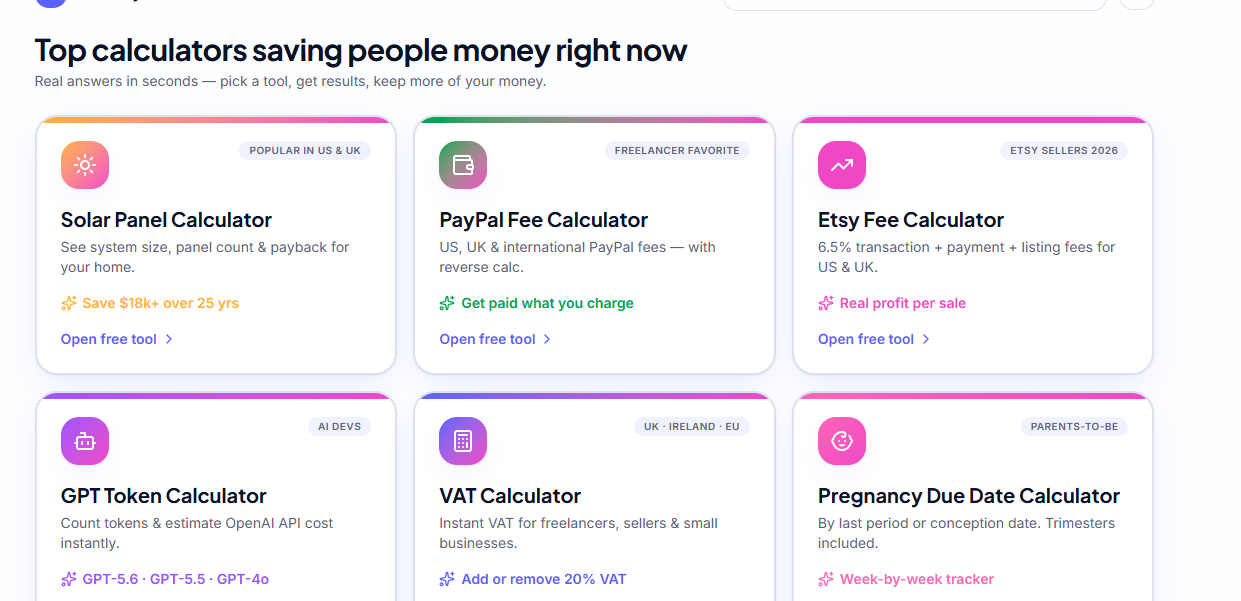
I only build a tool when the search has a dollar attached to it. Someone calculating Etsy fees is deciding a price. Someone calculating solar payback is about to get three quotes. Someone counting GPT-5.6 tokens is choosing an API plan. Advertisers pay for those eyeballs.
My starting list looked like this:
etsy fee calculator 2026solar panel payback calculator usapaypal fee calculator internationalgpt-5.6 token cost calculatorclaude 4.5 pricing calculatoruk vat calculator freelancerfreelance hourly rate calculator usapregnancy due date calculator week by week
Eight tools became forty because each one suggested siblings. The Etsy tool needed a break-even price tool. The VAT tool needed a reverse-VAT tool. That is how a 40-page site appears without inventing anything.
03Do you need a database for a calculator site?
No. Every calculator on FastDailyTools runs entirely in the browser: inputs go into a function, the result renders instantly, nothing is stored or sent anywhere. That removes the database, the storage bucket, the auth flow, the API keys and the entire monthly infrastructure bill in one decision.
This is the single most important architectural choice in this whole story, and it is the reason the build stayed cheap. Every dollar people burn on side projects goes into backend plumbing that a calculator simply does not need. It also becomes a marketing line customers care about: no sign-up, no uploads, works offline. Privacy is free when you never collect anything.
04Is 100 credits enough to build a tools website?
For a client-side calculator site, yes. The $25 plan's 100 credits covered the full 40+ tool build because each prompt shipped a complete tool, not a conversation. Credits get wasted on vague requests and re-dos, not on volume. Batch six calculators into one clear prompt and one credit does the work of six.
Here is how I actually spent them, roughly:
| Work | Credits used | Notes |
|---|---|---|
| Design system + layout + nav + dark mode | ~10 | Done once, reused by every tool |
| Reusable calculator shell (inputs, results card, SEO block) | ~8 | The template that made everything else cheap |
| 40+ calculators (batched 4–6 per prompt) | ~45 | The bulk of the build |
| Blog + article template | ~8 | Supporting content for each tool |
| Sitemap, robots, schema, OG images, speed pass | ~12 | Pure SEO plumbing |
| Fixes and polish | ~17 | Honest overhead |
Two rules saved me most of that budget. First, build the shell before the tools — once one calculator page looks right, the next thirty are variations. Second, never debug by chatting; describe the exact expected output ("for $45 with Offsite Ads at 15%, net should be $33.12") and it lands in one pass.
05Is Lovable good for beginners?
It is the least painful way I have found to ship a real, indexable, production website without writing code yourself. You describe a page, it builds real files you own, and you publish to a custom domain. For a static tool site there is nothing to configure — no servers, no build pipeline, no plugins to update.
The comparison that made the decision for me:
| Approach | Real cost to launch | Time to 40 tools | SEO control | Ongoing maintenance |
|---|---|---|---|---|
| Lovable | $25 plan (100 credits) | ~3 weeks part-time | Full — own head tags, schema, sitemap | Almost none (static) |
| WordPress + plugins | $60–$300/yr hosting + plugins | 6–10 weeks | Good, but plugin-dependent | Constant updates, security |
| Hand-coded Next.js | $0 tooling, 200+ dev hours | Months (or $6k+ freelance) | Full | You own every bug |
| Drag-and-drop no-code builders | $20–$40/mo forever | 4–8 weeks | Weak (bloated HTML, slow) | Locked in, can't export |
The two things I care about — page speed and control of my own head tags — are exactly where the cheap no-code builders fail. A calculator page that loads in 0.6s outranks a prettier one that loads in 3.4s, every time. I checked every template against PageSpeed Insights before shipping a single tool.
06How much does Lovable cost for a project like this?
I started on the $25 plan with 100 credits and never needed more for the initial build. Because the site is static with no backend, there are no usage costs after launch — only a domain (about $12/year). Total first-year cost was under $40, which is less than one month of most hosting stacks. New accounts get free credits through this invite link, so you can test the workflow before paying anything.
Be honest with yourself about scope, though. If your idea needs user accounts, saved data, or AI API calls, your costs go up and 100 credits will not carry you. That is exactly why I chose calculators.
07The revenue curve, month by month
No hockey stick, no overnight story. Here is what actually happened, using US-heavy traffic and finance/utility ad rates:
| Month | Monthly sessions | RPM | Revenue | What changed |
|---|---|---|---|---|
| 1 | 1,100 | — | $0 | 18 tools live, nothing indexed yet, no ads |
| 2 | 9,400 | $9 | $84 | First long-tails ranked; AdSense approved |
| 3 | 34,000 | $14 | $476 | 40 tools live + internal linking between related tools |
| 4 | 88,000 | $19 | $1,672 | Etsy + PayPal tools hit page 1 in the US; blog started feeding tools |
| 5 | 146,000 | $22 | $3,212 | Solar tool ranked in 9 US states; first affiliate income |
| 6 | 201,000 | $25 | $5,025 | Ads + affiliates + two sponsor slots; tax-season keywords warming up |
Three levers moved that number, in order of impact: more tools (each is a new door), internal links between related calculators (a PayPal visitor becomes an Etsy visitor), and RPM optimization — placing ads where a calculator user naturally pauses, which is right after they hit "Calculate".
Read AdSense's program policies before you place a single unit. Utility sites get killed for accidental clicks near buttons, and calculators are full of buttons.
08The monetization stack, honestly
Display ads are the floor and the majority: one unit above the fold, one after the result card, one in the supporting article below. US and UK traffic in finance and home-improvement categories is what pulls RPM into the $20s. The same traffic from low-value geos would earn a fifth of that, which is why I target the USA first and let Canada, the UK and Australia come along.
Affiliates are the multiplier. A solar payback calculator ends with a quote comparison. A freelance rate calculator ends with invoicing software. An Etsy fee calculator ends with a print-on-demand supplier. Never bolt an unrelated offer on; put the offer exactly where the visitor's next real step is.
Sponsor slots came last and only because the traffic existed. Two small brands now pay flat monthly for a placement on the token calculators, because they know exactly who reads that page.
09How my tools rank without backlinks
One page, one keyword, one job. That is the whole strategy, and it is how a brand-new domain beats aged sites on specific queries.
- Exact-match intent. The
<h1>, the title tag and the tool's first line all answer the same query. Someone searching "etsy fee calculator 2026" lands on a page named exactly that. - Answer first, explanation second. The calculator is above the fold. The 800-word explanation lives below it, which is what makes the page rankable at all.
- Real numbers from primary sources. Fee logic comes from the official pages — Etsy's fee documentation and PayPal's merchant fee page — and I update them when they change. Google notices which utility site is accurate.
- Internal siloing. Every calculator links to 3–4 sibling tools and one hub page. Forty pages linking to each other is forty times the crawl depth of one page.
- Speed as a ranking feature. No framework bloat, no external fonts blocking, images sized. See Google Search Central for the fundamentals I refuse to skip.
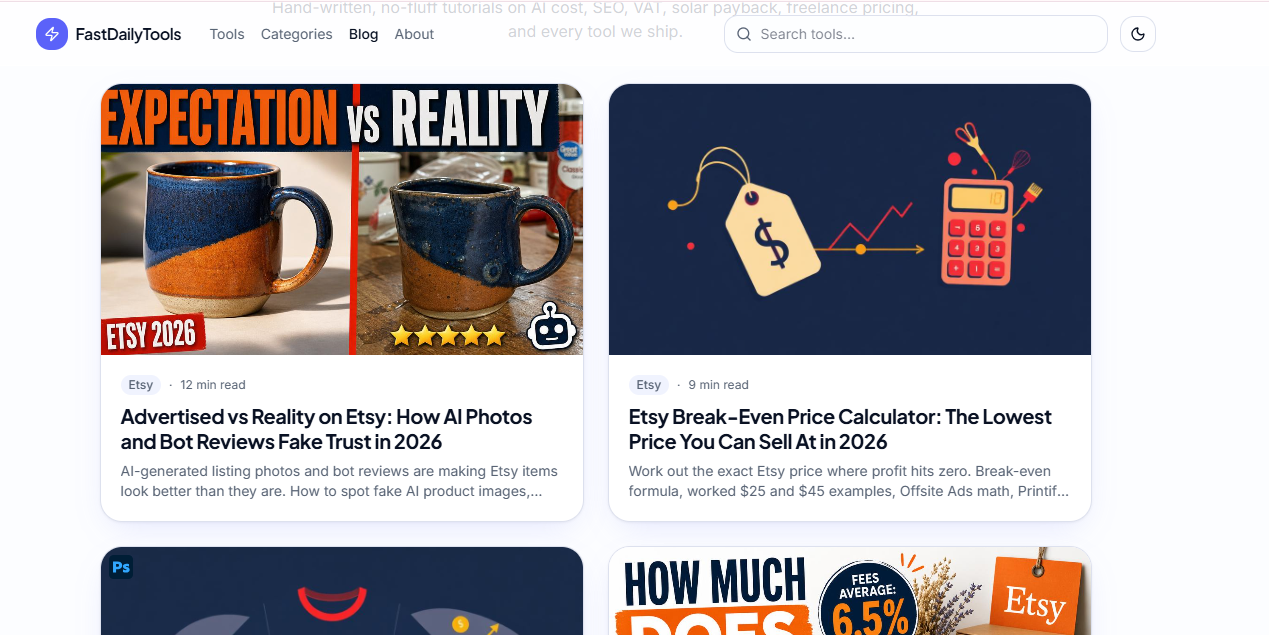
- A supporting blog. Each tool gets one article that answers the why behind the number and links back to the tool.
10How long before a new tools site makes money?
Expect 60–120 days before meaningful revenue. Indexing takes 2–6 weeks on a new domain, ad approval needs real traffic and content, and long-tail rankings climb slowly. My first $100 month was month 2; my first $1,000 month was month 4. Anyone promising faster on a fresh domain is selling something.
The part nobody warns you about is that months 1–3 feel like failure. Traffic is flat, GSC shows impressions with no clicks, and it looks broken. It is not broken. It is queuing.
11If you are in the Lovable community, do this differently than I did
I burned credits learning three things the hard way, so you don't have to:
- Don't design in chat. Decide your layout, colors and page structure first, then prompt once with the whole spec. Iterating on aesthetics is the number one credit sink.
- Ship the template, then clone. Get one calculator perfect — inputs, result card, FAQ block, schema — and every later prompt becomes "same page, different formula".
- Batch aggressively. "Build these six calculators using the existing shell, with these formulas and these titles" is one prompt, not six.
- Give exact test cases. Formulas fail silently. Write the expected output for two inputs in the prompt and it gets verified as it's built.
- Do SEO plumbing in one dedicated pass. Sitemap, robots, per-page titles, descriptions, canonical, JSON-LD, OG images — one prompt, once, near the end.
- Skip the backend. If your tool can compute in the browser, make it compute in the browser. Zero cost, faster pages, better privacy story.
12Would I do it again?
I would, and faster. The uncomfortable lesson is that this worked because it was boring. There was no launch, no Product Hunt day, no audience. Forty small pages, each solving one tiny expensive problem for Americans who needed a number in two seconds, and $25 of tooling that turned a spreadsheet into a live site in three weeks.
If you have a list of boring searches, you already have the hard part. Start with the free credits here and build the first tool tonight.
13Want the Full Prompt Method and Build Files?
I documented the entire thing: the exact prompt sequence, the keyword list with volumes, the calculator formulas, and the ad + affiliate placement map that took RPM from $9 to $25. If you would rather copy a working system than reverse-engineer one, the 2026 playbook is available through Tech Infotics.
- The complete prompt method — every prompt in order, including the reusable calculator shell and the SEO plumbing pass.
- The long-tail keyword sheet for US and UK utility searches, with intent and difficulty notes.
- The monetization map: exactly where ad units and affiliate offers go on a calculator page without violating policy.
- Direct help if you want the site built for you instead, starting from $100.
Visit techinfotics.lovable.app and reach out on WhatsApp, Fiverr, or any of the social channels listed there.
Topics
One click helps another builder find this — thank you.
Found this useful?
Share it using the buttons above and subscribe for the next one.