LLMs.txt in 2026: Does Your Website Really Need One? The Honest Guide to AI Search Visibility
The honest guide to llms.txt: what it is, whether it improves SEO or AI citations, how it fits alongside robots.txt and sitemap.xml, and how to build one in minutes.
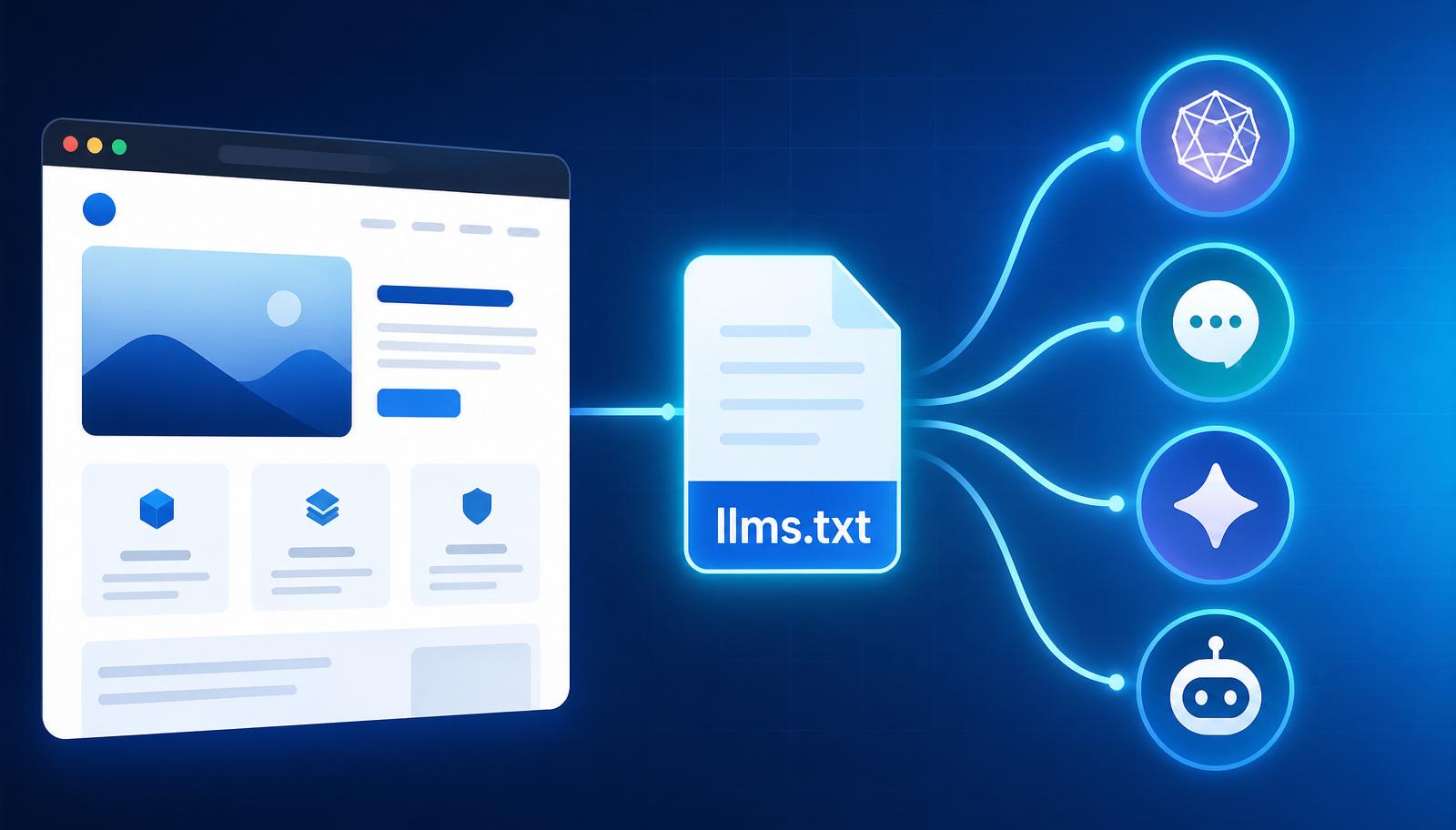
AI assistants are becoming a new front door to the web. People now ask ChatGPT, Claude, Gemini, Perplexity, and AI-powered search features to compare tools, explain products, recommend services, and summarize complex topics. That shift has created a practical question for every website owner in 2026:
How can you make your best content easier for AI systems and agents to understand?
One proposed answer is llms.txt — a small Markdown file that gives language models a curated map of your website. It can describe your organization, highlight important pages, and point AI tools toward clean, useful resources.
But the hype has moved faster than the evidence. An llms.txt file is not a guaranteed Google ranking factor, not a substitute for technical SEO, and not a magic switch that forces AI assistants to cite your brand. Google's official guidance for its generative search features continues to emphasize familiar fundamentals: crawlable pages, useful original content, strong page experience, and clear structured information.
So, does your website need an llms.txt file in 2026? The honest answer is: it can be a useful, low-cost addition — especially for documentation-heavy, SaaS, media, education, and e-commerce sites — but it should support your SEO and AI visibility strategy, not replace it.
If you want to build one without writing the format manually, use the free AgentDesk LLMs.txt Generator. It runs in your browser, requires no signup, and creates a downloadable file you can place at the root of your domain.
01Quick answer: What is llms.txt?
llms.txt is a proposed, Markdown-based website file designed to help large language models locate and interpret a site's most important information. It normally lives at:
https://example.com/llms.txt
The proposal recommends a simple structure:
- One H1 containing the site or project name
- An optional blockquote summarizing the site
- Optional explanatory text or usage notes
- H2 sections grouping important resources
- Markdown links with short descriptions
- An optional section for secondary resources that may be skipped when context is limited
The official llms.txt proposal explains that modern websites can be difficult for language models to process because HTML often includes navigation, scripts, ads, and repeated interface elements. A concise Markdown index gives AI tools a cleaner route to the material that matters.
02Why was llms.txt created?
Search engines have spent decades learning how to crawl and rank the web. General-purpose AI agents face a different problem: they often need to retrieve a limited amount of information and fit it into a finite context window before producing an answer.
A large site may contain thousands of URLs. Its sitemap can reveal all of them, but it does not explain which 20 pages best define the brand, product, API, policy, or area of expertise. Even when an agent reaches the right page, complex rendering and duplicated interface copy can make extraction less efficient.
An llms.txt file attempts to solve three practical problems:
- Prioritization — it identifies the pages that best explain your organization or product.
- Context — it provides short descriptions so an AI system can understand why each link matters.
- Efficiency — it offers a compact, readable index instead of forcing an agent to interpret an entire site at once.
This is why the most accurate analogy is not "robots.txt for AI." A robots file mainly communicates crawler access rules. An XML sitemap supports URL discovery. An llms.txt file is closer to an editorial map for machine readers.
03LLMs.txt vs. robots.txt vs. sitemap.xml
| File | Main purpose | Audience | What it communicates |
|---|---|---|---|
robots.txt | Crawl directives | Search & automated crawlers | Which paths may or may not be crawled |
sitemap.xml | URL discovery | Search engines | Which canonical pages exist and may be indexed |
llms.txt | Curated context | LLM tools & AI agents | Which resources matter and how to interpret them |
These files are complementary. Do not remove a sitemap or change crawler permissions simply because you add llms.txt. Your most important pages should still be accessible through normal navigation and internal links.
04Does llms.txt help SEO?
Not directly in any proven or guaranteed way.
There is no reliable basis for claiming that adding llms.txt alone will improve organic rankings, generate AI citations, or make a page appear in Google Discover. Google's guidance for generative AI features says that established Search fundamentals remain relevant — special AI files are not required for appearing in Google's AI experiences.
That doesn't make llms.txt useless. It simply means its potential benefits should be described accurately. A well-maintained file may:
- Give compatible AI agents a concise overview of your site
- Help developers and users collect relevant documentation faster
- Reduce ambiguity around your brand, products, terminology, and canonical sources
- Create a machine-readable editorial layer over a large content library
- Prepare your site for future tools that may choose to consume the format
- Expose gaps in your information architecture while you decide which pages deserve priority
Think of it as AI-readiness infrastructure, not a ranking hack.
05How llms.txt fits SEO, AEO, GEO, and LLMEO
The terminology around AI visibility can be confusing, but the goals overlap.
SEO (Search Engine Optimization) helps pages become crawlable, understandable, and competitive in conventional search results. Technical health, relevant content, internal links, page experience, authority, and structured data.
AEO (Answer Engine Optimization) structures content so search systems can extract concise answers. Clear definitions, question-led headings, direct responses, comparison tables, and useful FAQs.
GEO (Generative Engine Optimization) focuses on making content useful and trustworthy enough to be referenced in generated answers. Original research, expert attribution, evidence, clear entities, and citable statements.
LLMEO (Large Language Model Optimization) is often used as a broad term for improving how language-model systems discover, interpret, and represent a brand. llms.txt fits most naturally here.
The important point is that these are not four separate checklists. They share one durable foundation: publish accurate, original, well-structured content that is easy for people and machines to access.
06Who should create an llms.txt file?
The file is especially practical for sites where a curated index can save time or reduce confusion.
- SaaS & software companies — link to product overviews, pricing, integrations, security pages, API references, release notes, and canonical documentation.
- Documentation & developer portals — highlight quick-start guides, API references, migration notes, tutorials, and version-specific documentation.
- Publishers & knowledge sites — point to editorial policies, author pages, topic hubs, cornerstone explainers, and correction policies.
- E-commerce brands — curate category guides, shipping/returns policies, sizing info, warranty details, and product-care advice. Don't try to list every product.
- Universities, nonprofits, public organizations — surface admissions/eligibility info, official policies, research centers, services, deadlines.
- Consultants & personal brands — clarify services, credentials, case studies, publications, and the preferred source for biographical information.
A small brochure website with five clear pages may receive less practical value. Even then, generating the file takes a few minutes.
07How to create an llms.txt file in 3 steps
1. Decide what an AI assistant should know first
Start with the questions people actually ask about your website:
- What does this organization do?
- Who is the product for?
- What are the most important features or services?
- Where are the official documentation and policies?
- Which pages contain the most current and authoritative answers?
Choose a small set of canonical pages. Quality beats quantity.
2. Generate a clean Markdown file
The fastest route is the AgentDesk free llms.txt generator. Enter your site name, URL, short description, and the pages you want to prioritize. The tool produces the file in your browser — no signup, no data leaves your device.
A basic file may look like this:
# Example Company

> Example Company provides workflow software for independent agencies.

Important notes:
- The product is designed for small client-service teams.
- The documentation below is the canonical source for current features.

## Product
- [Product overview](https://example.com/product): Core capabilities and supported workflows
- [Pricing](https://example.com/pricing): Current plans and billing details

## Documentation
- [Quick start](https://example.com/docs/quickstart): Setup instructions for new accounts
- [API reference](https://example.com/docs/api): Endpoints, authentication, and examples

## Policies
- [Security](https://example.com/security): Security controls and data-handling practices

## Optional
- [Company blog](https://example.com/blog): Commentary, tutorials, and product updates
3. Publish and test it
Upload the file to your site root and confirm this URL loads publicly:
https://yourdomain.com/llms.txt
It should return a successful HTTP response and display plain Markdown text. Then:
- Check every link for redirects, errors, or outdated URLs
- Confirm priority pages are crawlable and canonical
- Keep private, gated, duplicate, and low-value URLs out of the file
- Test whether several AI tools can answer basic questions using the selected resources
- Review the file whenever products, policies, URLs, or documentation change
08Best practices for an AI-friendly llms.txt file
- Keep the summary factual. One or two sentences explaining what the site offers and who it serves. Avoid slogans.
- Curate instead of dumping URLs. Your XML sitemap already handles comprehensive discovery.
- Write descriptive link notes. "Documentation" is vague. "Authentication, endpoints, error codes, and request examples" is useful.
- Group resources by user intent. Sections like Product, Documentation, Research, Policies, Support, Optional.
- Prefer canonical, maintained pages. Link to the source you want quoted.
- Don't use it as a permission system.
llms.txtdoesn't replace robots directives, authentication, or access controls. - Avoid unsupported promises. Don't state that every major AI bot reads
llms.txtor that Google ranks it. - Maintain it like navigation. Update after major launches, migrations, or documentation reorganizations.
09Common llms.txt mistakes
- Treating the proposal as an official universal standard. It's a community proposal; support isn't universal.
- Calling it a Google ranking factor. No verified basis for that claim.
- Stuffing long-tail keywords into every description. Reduces clarity and looks manipulative.
- Linking to every URL. A curated list beats a duplicate sitemap.
- Publishing sensitive or nonpublic links. The file is publicly accessible.
- Forgetting to update it. Old pricing and moved documentation create bad context.
- Ignoring the underlying pages. A perfect index cannot rescue thin, inaccurate content.
- Confusing attribution requests with enforceable controls. State preferences clearly, but use appropriate legal and technical measures where restrictions matter.
10What actually improves visibility in AI answers?
If your goal is to earn mentions, links, and citations from search and answer engines, prioritize the fundamentals — before or alongside llms.txt.
- Publish original information. First-hand tests, benchmarks, screenshots, expert commentary, proprietary data, clear methodology, transparent limitations.
- Make answers easy to extract. Start sections with direct answers. Use descriptive headings, short definitions, tables, ordered steps, examples.
- Build identifiable expertise. Accurate author bylines, bios, editorial standards, update dates, contact information, citations to primary sources.
- Strengthen internal links. Connect supporting articles to a canonical guide, and link back. Use descriptive anchor text.
- Use structured data where appropriate. Valid Article, Organization, Breadcrumb, Product, or SoftwareApplication markup — but only for information users can actually see.
- Keep pages technically accessible. Indexable HTML, stable canonical URLs, descriptive titles, sensible navigation, fast loading.
For AgentDesk, useful contextual links include the AgentDesk homepage and the free LLMs.txt Generator.
11Google Discover optimization without misleading clickbait
Google Discover recommends titles that capture the essence of the content and warns against misleading, exaggerated, or sensational previews. A headline can create curiosity, but it shouldn't hide the answer or promise a result the article cannot prove.
To improve Discover eligibility:
- Use an original, relevant image at least 1200 pixels wide
- Enable large image previews (
max-image-preview:large) where appropriate - Avoid text-heavy thumbnails and fake interface screenshots
- Add a visible author, publication date, and meaningful update date
- Tell a coherent story rather than assembling disconnected keyword sections
- Follow Google's official Discover content guidance
No optimization can guarantee Discover placement. The goal is to make the article eligible, useful, and appealing — without manipulating the reader.
12The verdict: Is llms.txt worth adding in 2026?
For many sites, yes — as a small, experimental layer of AI readiness.
It is inexpensive to create, easy to audit, readable by both people and machines, and useful as a curated map of your strongest content. It is most valuable when your site has substantial documentation, multiple products, complex terminology, or a large knowledge library.
Just keep the expectations realistic. llms.txt is not a replacement for robots.txt, a sitemap, structured data, internal links, original reporting, or a technically healthy website. It does not guarantee rankings or AI citations. Its value is clarity — you are providing a concise, maintained answer to the question, "If an AI system wants to understand this website, where should it begin?"
Ready to create yours? Try the free AgentDesk LLMs.txt Generator, download the Markdown file, publish it at your domain root, and keep it aligned with your most authoritative content.
Topics
One click helps another builder find this — thank you.
Found this useful?
Share it using the buttons above and subscribe for the next one.
Related deep-dives
 Productivity Agents
Notion Just Became an AI God: The Rare Method Unlocking Enterprise FREE For 1 Year (2026)
The productivity world just shifted. Notion quietly packed its AI with the world's most advanced models, from OpenAI's GPT-5.6 to Google's Gemini Flash 3.5. But the real story is a hidden backdoor to get the coveted $306 Enterprise plan completely free for a full year, and we know how.
 Productivity Agents
SoundCloud Artist Pro Free 3 Months Coupon KOTA26 (July 2026) ✨
Unlock three full months of SoundCloud Artist Pro for free with our exclusive coupon code KOTA26. This guide details how to claim the offer, what features you get (like monetization and unlimited uploads), and how to cancel before the trial ends. Valid for the yearly plan in July 2026.
 Productivity Agents
NotebookLM's Cinematic & Shorts Video Feature: A 2026 Hands-On Review
It’s mid-2026, and my video editing suite has been collecting dust. The culprit? Google's rumored NotebookLM cinematic video and shorts video feature 2026. I spent a week with it, and my workflow will never be the same. Here's the hands-on review.